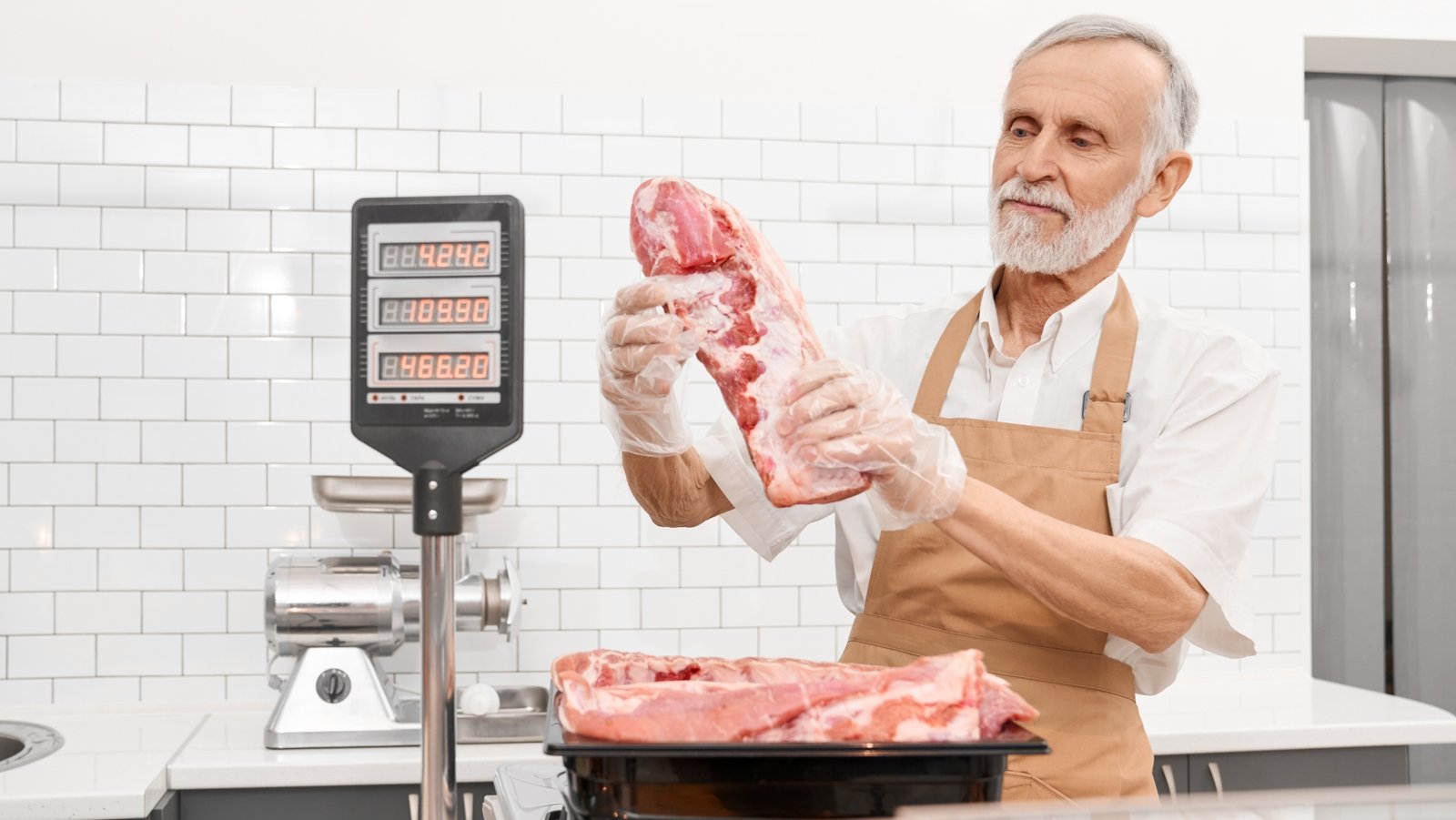









A POS scale — Point of Sale scale — is a weighing instrument that connects directly to a retail checkout system, sending the weight of a product to the POS terminal automatically when the item is placed on the platform. The POS system retrieves the price per unit weight from its product database, calculates the total price, and adds it to the transaction — without any operator data entry beyond placing the item on the scale.
This is the fundamental difference between a POS scale and a price computing scale. A price computing scale calculates and displays the total price locally — the operator enters the price per pound, and the scale does the arithmetic. A POS scale is an input device — it measures weight and sends that weight to the POS system, which handles all the pricing logic using its own database.
Table of Contents
Why POS Scale Integration Matters
Without a POS-integrated scale, the checkout process for weighted items requires either a separate weighing step at a service counter before checkout, or manual entry of a price at the register based on a label printed elsewhere. Both approaches introduce friction and error.
Manual price entry is the primary source of pricing errors at checkout for weighted items. A cashier reading a handwritten price, entering a sticker price from a pre-packaged item, or estimating a price for an unpackaged item introduces inconsistency that scales with transaction volume. A POS scale that sends the exact weight to the system and retrieves the exact price per pound from the database eliminates this category of error entirely — the cashier places the item on the scale, and the correct price appears on the POS screen.
For high-throughput grocery environments where dozens of weighted items pass through each checkout lane per hour, the speed and accuracy difference between POS-integrated scales and manual price entry is substantial and measurable in transaction time, customer satisfaction, and pricing accuracy.
How a POS Scale Connects to the Checkout System
POS scales connect to the checkout terminal through one of three communication configurations, depending on the POS platform and the scale model.
RS-232 serial connection: The legacy standard for POS scale integration. The scale indicator communicates with the POS terminal via a direct serial cable using a protocol defined by the POS system. The scale continuously monitors for a weight request from the POS — when a stable weight is detected, and the POS is ready, the weight is transmitted, and the POS system calculates the price. RS-232 integration requires that the scale model is specifically supported by the POS platform — the protocol and command set must be compatible.
USB connection with POS driver: Many modern POS scales connect via USB using a scale driver installed on the POS terminal. The driver translates the scale’s USB output into the weight data format the POS system expects. USB-connected scales are more broadly compatible than RS-232 models — most POS platforms include driver support for common scale models — but driver compatibility must still be confirmed for the specific scale model and POS version.
Integrated scale — built-in to checkout counter: High-end grocery POS systems use checkout counters with the scale platform built directly into the counter surface — typically a recessed flush-mount platform in the counter surface at the POS station. The scale is wired directly to the POS controller as an internal component rather than an external peripheral. This configuration is most common in high-volume supermarket environments where counter design and throughput are optimized together.

NTEP Certification for POS Scales
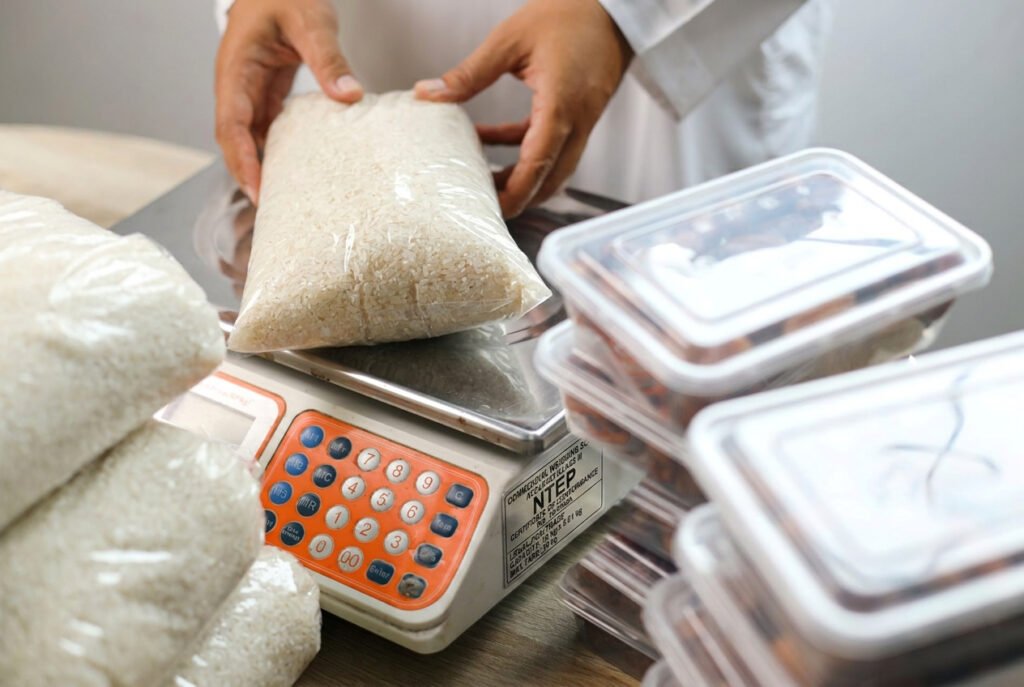
Any POS scale used where the weight determines what a customer pays must, in most states, be an NTEP-certified model that is inspected and sealed by a state Weights and Measures inspector for legal-for-trade use. This applies to every retail environment where items are sold by weight at the checkout — grocery stores, specialty food retailers, bulk food operations, and any other point where the POS scale weight determines the transaction price.
NTEP Class III is the applicable accuracy class for most retail POS scale applications. The Certificate of Conformance number on the scale’s data plate confirms the model is certified. State Weights and Measures inspection confirms the individual unit is authorized for commercial use at the specific installation location.
Check the scale’s NTEP Certificate of Conformance separately from POS compatibility. Where the POS terminal computes and displays the price, the scale-and-POS combination must also operate as a legal-for-trade system — ask the vendor which POS interfaces are covered and confirm with your state or local weights and measures office. A scale can be POS-compatible without being NTEP certified — and a non-certified scale, regardless of how well it integrates with the POS system, is not legally authorized for commercial use where weight determines price.
Key Specifications for POS Scale Selection
Capacity and readability: Common grocery and retail POS scale configurations are 15 lb × 0.005 lb or 30 lb × 0.01 lb, and many are dual-range (for example 0–15 lb in 0.005 lb divisions and 15–30 lb in 0.01 lb divisions) — sufficient for produce, deli, and bulk food applications. Confirm the capacity covers your heaviest routinely weighed item. For checkout applications where large items — whole watermelons, pumpkins, or bulk grain bags — are weighed, specify a higher-capacity model.
Platform size: The platform must accommodate the item being weighed with the full item footprint on the weighing surface. A produce item that overhangs the scale platform transfers part of its weight to the counter surface — producing a systematic low reading that the POS system prices incorrectly. Standard POS scale platforms are 8″ × 8″ to 14″ × 14″ — confirm the platform size matches your typical product range.
POS compatibility: This is the specification that buyers most frequently get wrong. A POS scale is not universally compatible with all POS systems. The scale model must be confirmed as compatible with the specific POS platform in use — and with the specific version of that platform. Compatibility lists are maintained by the POS vendor, not the scale manufacturer. Before purchasing any POS scale, obtain the POS vendor’s compatible scale list and confirm the specific model you are evaluating is on it for your POS version.
Communication protocol: Confirm whether the POS platform requires RS-232 or USB connectivity, and whether it expects a specific protocol — such as the Mettler Toledo standard, the CAS protocol, or the Bizerba format. Using a scale with the wrong protocol produces incorrect weight readings at the POS terminal, even if the physical connection is established correctly.
Display configuration: POS scales at checkout lanes should include a customer-facing display showing the weight and price simultaneously — a legal requirement in most states for consumer transparency. Confirm the scale includes a dual display or a customer pole display option.
For the full guide to retail scale types, including price computing scales, label printing scales, and the full compliance requirements for commercial retail weighing, see our complete guide to retail and commercial scales.
FAQs
What is a POS scale?
A POS scale is a weighing instrument that connects directly to a retail point-of-sale system. It measures the weight of an item and sends that weight to the POS terminal automatically. The POS system retrieves the price per unit weight from its product database, calculates the total, and adds it to the transaction without operator data entry.
How does a POS scale connect to a checkout system?
POS scales connect via RS-232 serial cable using a protocol supported by the POS platform, or via USB with a compatible driver installed on the POS terminal. Some high-volume checkout systems use integrated counter-mounted scales wired directly to the POS controller. Compatibility must be confirmed for the specific scale model and POS version before purchase.
Does a POS scale need to be NTEP certified?
Yes. Any POS scale used where weight determines a customer’s price must be legal for trade — in most states, an NTEP-certified model (typically accuracy Class III) that has been inspected and sealed by state or local weights and measures officials. NTEP certification and POS compatibility are independent requirements. A scale can be POS-compatible without NTEP certification — and a non-certified scale is not legally authorized for commercial use.
What is the difference between a POS scale and a price computing scale?
A price computing scale calculates and displays the total price locally — the operator enters the price per pound and the scale does the arithmetic at the service counter. A POS scale measures weight only and sends that weight to the POS system, which handles pricing from its product database. POS scales are used at checkout lanes; price computing scales are used at service counters.
Can I use any scale with my POS system?
No. POS scale compatibility depends on the communication protocol, the connection type, and the specific driver or integration supported by the POS platform for the scale model. Always obtain the POS vendor’s compatible scale list before purchasing. A scale that is not on the compatibility list for your POS version will not integrate correctly, even if the physical connection works.
Conclusion
A POS scale is the weighing instrument that closes the pricing gap between the service counter where a product is prepared and the checkout lane where the customer pays. It measures weight and sends it directly to the POS system — eliminating manual price entry, reducing pricing errors, and speeding checkout throughput for any retail operation that sells products by weight at the register.
The two specifications that determine whether a POS scale works correctly in any retail environment are NTEP certification for legal-for-trade use and verified compatibility with the specific POS platform and version in use. Get both right before purchase, and the integration works. Miss either one and the scale is either legally non-compliant, functionally incompatible, or both.
Sources
- National Institute of Standards and Technology, NIST Handbook 44 (2026), Section 2.20 Scales.
- National Conference on Weights and Measures, National Type Evaluation Program and NTEP Certificates of Conformance database.
Last reviewed September 2026 by the Scale Blog editorial team. Capacities and interfaces vary by model; confirm with the scale and POS vendors.