










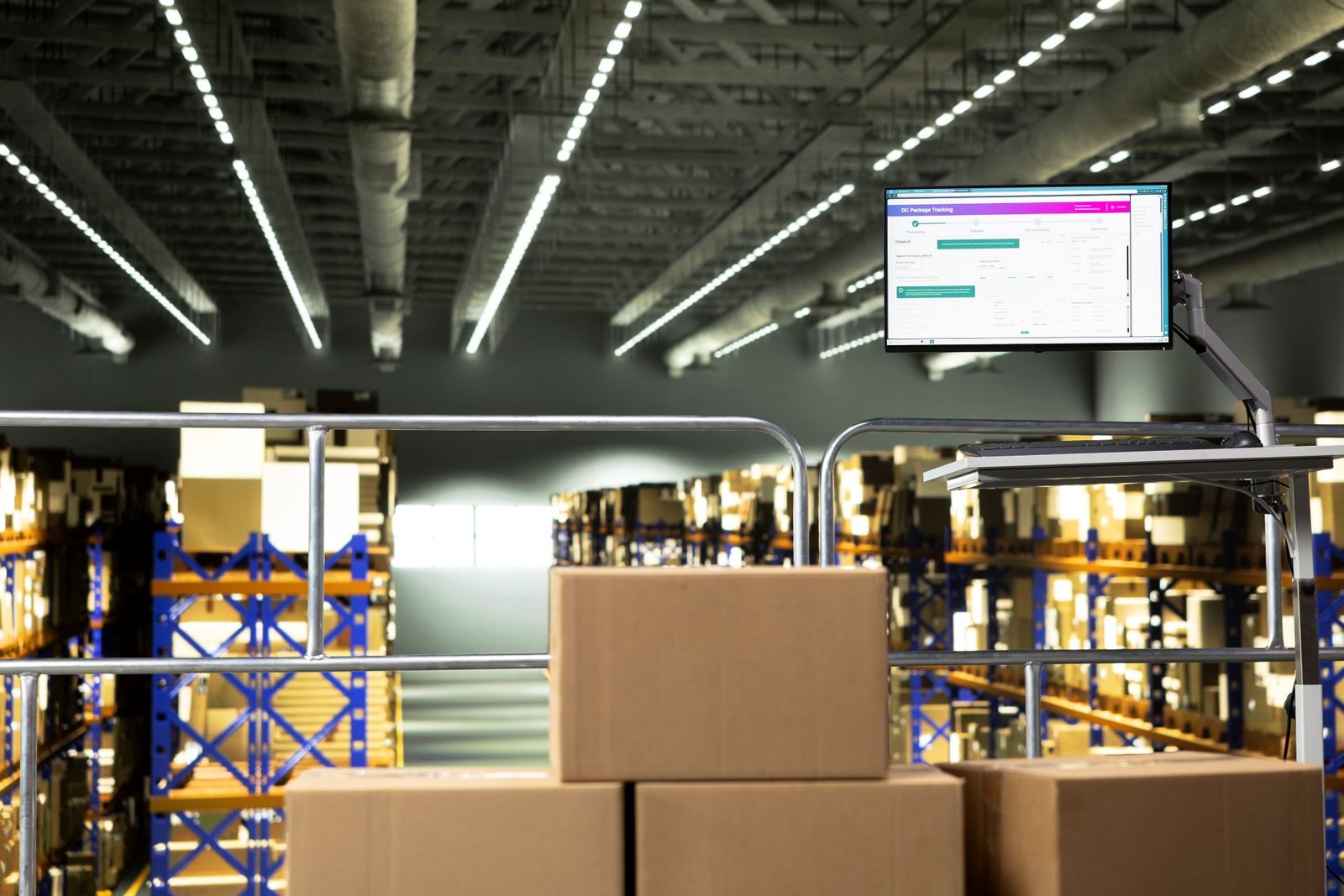
A warehouse scale that is not connected to your warehouse management system is a manual data entry device. The operator reads the weight from the display. The operator types that weigh into the WMS, shipping software, or ERP. The typed number becomes the record.
Manual weight entry is slow. It is error-prone. It creates a disconnection between the physical weight of goods and the data that drives inventory, billing, and compliance decisions. Every adjustment a carrier issues, every receiving discrepancy that cannot be explained, and every inventory count that does not reconcile has some probability of tracing back to a manual weight entry that was wrong.
Scale-to-WMS integration eliminates that category of error entirely. The scale reads the weight. The WMS receives it. No human transcription occurs between those two events.
This article explains how scale-to-WMS integration works, what connection methods are available, how to select the right method for your environment, and what the integration enables across the key workflows in a warehouse and distribution operation.
Table of Contents
Why Weight Data Belongs Inside Your WMS
A warehouse management system controls the movement, storage, and tracking of goods through a facility. It governs receiving, putaway, picking, packing, shipping, and inventory reconciliation. Weight is relevant to every one of these processes.
As Mecalux — a major warehouse technology provider — explains, integrating scales with a WMS offers centralized data storage that simplifies reporting and statistical analysis, quality control that surpasses random sampling, fewer errors through early detection of fill discrepancies, and reduced manual handling in operations where the scale can confirm the weight without routing the item to a separate weighing station.
Without integration, weight data lives only at the scale indicator — a local display that shows one reading at a time and retains no history. With integration, every weight reading becomes a timestamped record in the WMS database. It is associated with a specific item, order, operator, and point in the receiving, production, or shipping workflow. That record is queryable, auditable, and available for the analysis that drives operational improvements.
The 2026 WMS Guide published by Jasci — a cloud WMS provider — identifies scales as core material handling equipment that modern WMS platforms are expected to integrate with directly, alongside conveyors, scan tunnels, and print-and-apply systems. Weight data integration is no longer a custom development project in most modern warehouse technology stacks. It is expected functionality.
The Four Connection Methods for Scale-to-WMS Integration
The physical connection between the scale indicator and the system that receives weight data takes one of four forms. Each has specific advantages and specific limitations. The right choice depends on the distance between the scale and the workstation, the age and architecture of the WMS or shipping software, and the volume and speed requirements of the operation.
USB (Most Common for Bench and Parcel Scales)
USB is the standard connection method for bench-top parcel scales at packing stations. The scale connects to the workstation PC via a USB cable. The scale enumerates as either a Human Interface Device — requiring no driver installation — or as a virtual COM port, requiring a driver but behaving identically to an RS-232 connection in software terms.
The workstation’s shipping software — UPS WorldShip, FedEx Ship Manager, ShipStation, or equivalent — reads the weight from the USB port each time a package is placed on the platform. The weight automatically populates the weight field in the shipment record. No operator input is required.
USB is limited to approximately 16 feet of cable length before signal integrity degrades. It is appropriate for fixed packing stations where the scale and the workstation are adjacent. It is not appropriate for floor scales located at a distance from the nearest network point, RS-232 Serial (Legacy Industrial Standard)
RS-232 is the long-established serial communication standard for industrial scale integration. As Scales Plus — an ISO/IEC 17025 accredited scale and calibration company — explains, RS-232 connects the scale indicator to a printer, secondary display, or computer using a 9-pin or 25-pin connector. It remains widely used in industrial warehouse environments because it is simple, reliable, and supported by virtually every scale indicator manufactured in the past 40 years.
RS-232 cables can run up to 50 feet reliably. For longer runs, a USB-to-RS-232 adapter at the workstation end converts the signal for modern computers that no longer have native serial ports.
RS-232 operates in two modes. Stream mode continuously transmits weight data to the receiving system. Demand mode transmits only when the operator presses the print key on the indicator. For WMS integration where the system needs to capture a stable reading at a specific moment, demand mode is generally preferred. Stream mode is preferred for monitoring applications where continuous data is needed.
Ethernet (Networked Integration)
Ethernet integration assigns the scale indicator an IP address on the facility’s local network. The WMS communicates with the scale over TCP/IP — the same protocol used by every other networked device in the facility. This enables several capabilities that USB and RS-232 cannot match.
Multiple scales can be managed from a single server. Weight readings from a floor scale at the receiving dock, a bench scale at the packing station, and a pallet jack scale in the pick zone can all flow into the same WMS instance simultaneously. The WMS associates each reading with the correct station, operator, and transaction without any additional configuration.
Ethernet-connected scales can be located anywhere on the facility network — 100 feet, 500 feet, or across the building from the nearest workstation. Cable length is not a limiting factor. For static IP assignment — which is required for reliable integration — the scale’s indicator must be configured with a fixed IP address outside the DHCP range of the network. Dynamic IP assignment creates connectivity failures when the IP address changes.
Wireless (Wi-Fi and Bluetooth)
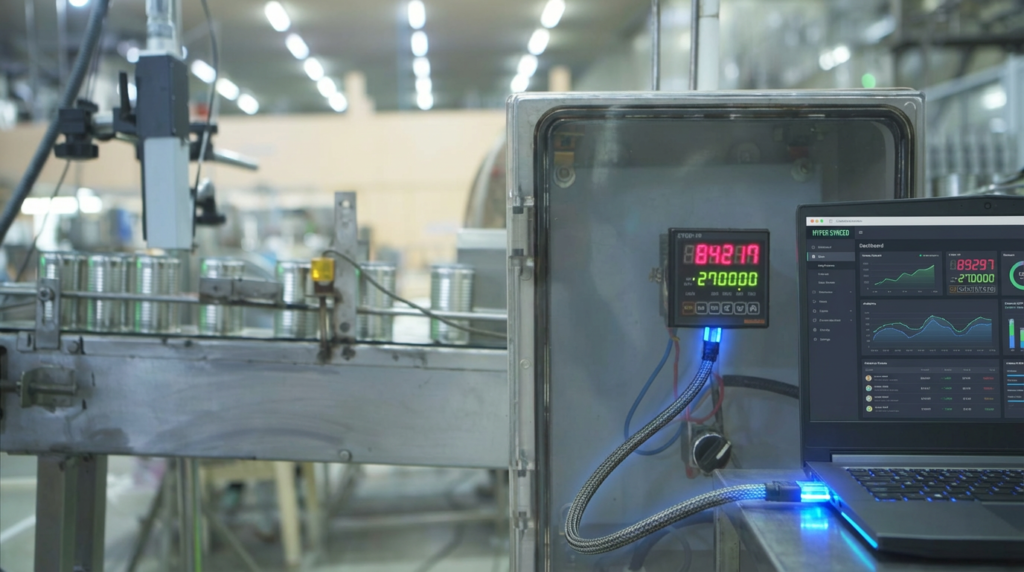
Wireless integration eliminates cable management entirely. Wi-Fi-connected scale indicators join the facility’s wireless network and communicate with the WMS over TCP/IP — functionally identical to Ethernet integration but without the cable infrastructure.
Bluetooth connects the scale to a nearby mobile device — a handheld scanner, a tablet, or a forklift-mounted terminal — which then relays the weight to the WMS. Bluetooth range is typically 30–100 feet, depending on the indicator and the environment.
Wireless integration is particularly valuable for pallet jack scales and forklift scales that move throughout the facility. A pallet jack scale that transmits each weight reading wirelessly to the WMS as the pallet is picked up eliminates the separate weighing station step entirely. The weight is captured during normal material handling — not at a dedicated weighing point that the forklift must route to.
Three Integration Architectures — From Simple to Fully Automated
Architecture 1: Keyboard Wedge (Simplest)
A keyboard wedge is a software utility that runs on the workstation PC, listens to the data coming from the scale’s USB or RS-232 port, and types the weight into whatever field is currently active in the foreground application — exactly as if the operator typed it on the keyboard.
This requires no modification to the WMS or shipping software. The weight appears in any text field in which the cursor is placed. No API, no middleware, no custom development.
The keyboard wedge is the fastest path to eliminating manual weight entry at a packing station. It works with any WMS, shipping platform, or ERP that accepts keyboard input — which is essentially every system in use. The trade-off is that the data is not logged by the integration itself. The WMS receives the number as keyboard input. It does not know that the number came from a calibrated scale rather than an operator’s estimate.
Architecture 2: Middleware Integration (Most Common for WMS)
Middleware is a software layer that sits between the scale and the WMS. It captures weight data from the scale’s communication port, performs any required data formatting or validation, and writes the weight directly to the WMS database or sends it through the WMS’s API.
This approach produces a proper data record. The WMS knows the weight came from a specific scale, at a specific time, on a specific transaction. The weight is associated with the item, the order, and the operator in the WMS database. It is auditable and reportable.
Most WMS platforms have either built-in scale integration or a documented API that middleware can connect to. Open Sky Group — a WMS implementation firm — notes that every WMS implementation involves a discussion of how product weight data is captured and stored, and that the method of capture must match the processes that depend on that data. The middleware approach ensures the WMS receives clean, validated weight data — not raw keyboard input.
Architecture 3: Native WMS Scale Integration (Most Capable)
Modern WMS platforms increasingly offer native, direct integration with scale hardware — particularly for floor scales at receiving docks and conveyor-integrated dimensioning and weighing systems. The WMS sends a command to the scale when a transaction is initiated. The scale responds with the weight reading. The WMS records the weight and advances the transaction automatically.
This closed-loop integration — WMS commands scale, scale responds with weight, WMS records and advances — requires no operator interaction with the weight capture step at all. The scale is invisible to the operator. The weight simply appears in the transaction record as a confirmed, system-captured value.
This is the architecture used in high-throughput distribution centers and 3PL operations where speed and auditability are both critical requirements.
Workflows Where Scale-to-WMS Integration Delivers the Most Value
Inbound Receiving
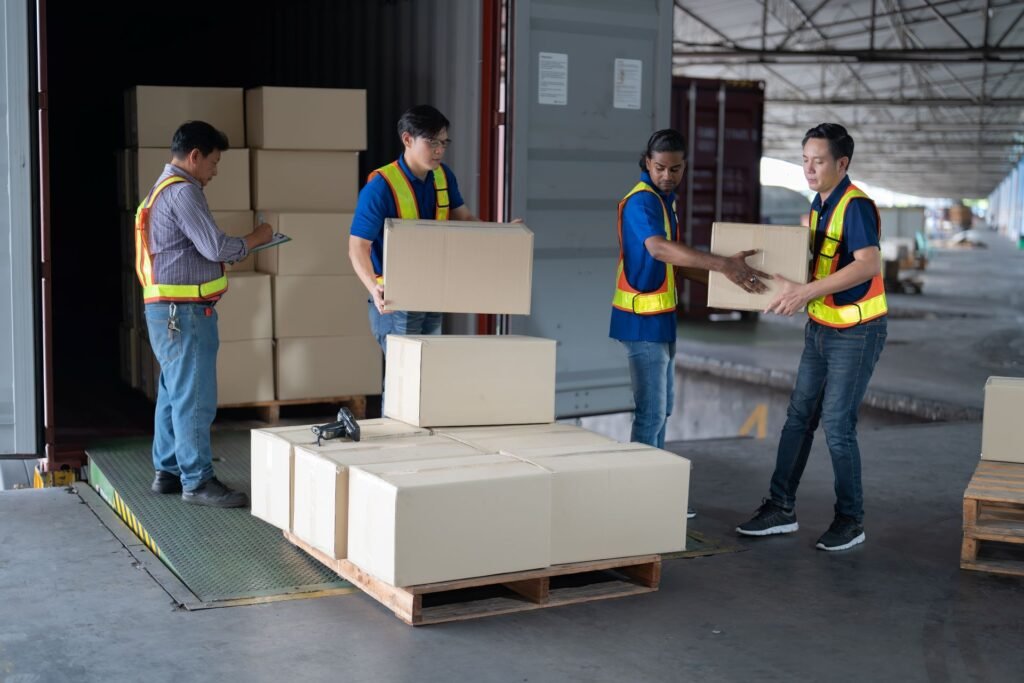
When a delivery arrives, the driver declares a weight on the bill of lading. An integrated floor scale at the receiving dock captures the actual pallet weight as the pallet is moved from the trailer. The WMS compares the received weight against the declared weight automatically. Discrepancies are flagged for investigation before the driver leaves and before the goods are put away.
Without integration, this comparison requires manual recording of the scale reading and manual entry into the receiving transaction. Discrepancies discovered after putaway are significantly harder and more expensive to investigate than discrepancies caught at the dock door.
Outbound Shipping
An integrated scale at the packing station captures the weight of each sealed package. The WMS populates the carrier label with the confirmed weight. The carrier bill is generated from the WMS record. If the carrier’s scale later produces a different reading, the WMS record — with timestamp, operator ID, and scale ID — is the evidence used to dispute the adjustment.
Without integration, the carrier adjustment dispute rests on an operator’s recollection of what the scale read and what they entered. That evidence does not hold in most carrier dispute processes.
Inventory Management for Variable-Weight Items
Operations that manage variable-weight products — bulk materials, cut lengths, catch-weight items — require weight to be captured at the unit or lot level and stored against the inventory record. An integrated scale feeds this weight into the WMS at the moment of receipt or production. The inventory record reflects actual weight rather than nominal weight. Picking and shipping quantities are calculated from actual weight data.
Quality and Compliance Verification
Operations that must verify package weight against a fill weight specification — food manufacturers, pharmaceutical distributors, chemical shippers — use scale-to-WMS integration to confirm that every outbound carton meets specification before it ships. Out-of-specification readings trigger a hold or inspection workflow automatically. The WMS records that every unit was checked, which is the audit trail a compliance inspection requires.
What to Confirm Before Integrating a Scale With Your WMS
Scale indicator output format: Confirm what data string the indicator transmits — specifically, whether it outputs a stable weight reading in a format the WMS or middleware can parse. Most industrial indicators transmit in a standard ASCII format. Some use proprietary formats that require configuration or middleware translation.
WMS API or integration documentation: Confirm whether your WMS has a documented API for scale integration, a built-in scale interface module, or requires custom middleware development. Most modern WMS platforms in the US — including SAP EWM, Manhattan SCALE, Oracle WMS, and ShipStation — have documented scale integration pathways.
Network infrastructure: For Ethernet and wireless integration, confirm that the scale’s installation location has network connectivity and that the IT team can assign a static IP address to the scale indicator.
Calibration status: An integrated scale that is out of calibration sends inaccurate weight data to the WMS automatically and at the scale. Every transaction that uses that weight data is wrong. Integration amplifies the value of accurate weighing — and amplifies the damage from inaccurate weighing. Before going live with any scale integration, verify calibration against NIST-traceable test weights. For the correct calibration schedule for warehouse scales, see our article on warehouse scale calibration: how often and how to do it right.
Common Integration Mistakes and How to Avoid Them
Using stream mode when demand mode is needed: A scale in stream mode continuously transmits weight data. If the WMS or middleware captures a reading mid-settle — before the weight has stabilized — it records an inaccurate number. Configure the indicator for demand mode and ensure the system captures the weight only after the stability indicator confirms a settled reading.
Assigning a dynamic IP to an Ethernet-connected scale: A scale that receives its IP address from DHCP will change IP addresses periodically. Every IP change breaks the WMS connection until the middleware or WMS configuration is updated manually. Always assign a static IP address to networked scale indicators.
Integrating before validating accuracy: An integration project creates pressure to go live quickly. Going live with an uncalibrated scale multiplies the error across every transaction in the WMS. Always validate scale accuracy against known test weights before enabling the integration.
Not testing the full data path end-to-end: Confirming that the scale transmits data is not the same as confirming that the WMS receives, stores, and displays it correctly. Test the complete path — scale to middleware to WMS — with a known weight before the integration goes into production use.
Conclusion
Scale-to-WMS integration converts a standalone weighing instrument into a data source that feeds accurate, timestamped weight information into the system that controls your warehouse. It eliminates manual weight entry — the primary source of weight-related transaction errors. It creates an auditable record of every weight reading. It enables receiving verification, outbound weight confirmation, variable-weight inventory management, and compliance documentation — all without operator transcription between the scale and the system.
The connection method — USB for packing stations, RS-232 for legacy industrial environments, Ethernet for networked multi-scale deployments, wireless for mobile scale applications — determines the physical architecture. The integration approach — keyboard wedge for simple deployments, middleware for proper WMS data integration, native WMS integration for high-throughput facilities — determines the depth and quality of the data record produced.
Both decisions are straightforward when the application requirements are clear. Start with the workflow. Identify where manual weight entry is occurring and what it is costing. The right connection method and integration architecture follow directly from those answers.
For guidance on selecting the right scale for your packing station before integrating it, see our article on how to choose a shipping scale for your business.
FAQs
What does it mean to integrate a scale with a warehouse management system?
Scale-to-WMS integration means the scale sends its weight readings directly to the WMS — automatically, without manual entry by the operator. The WMS records each weight reading as a timestamped data point associated with a specific transaction, item, order, and operator. This eliminates manual transcription errors, creates a full audit trail of weight data, and enables automatic comparison of received or shipped weights against declared weights.
What connection methods are used to integrate a scale with a WMS?
Four connection methods are used in warehouse environments. USB is standard for bench-top parcel scales at fixed packing stations. RS-232 serial is the legacy industrial standard, supported by virtually every scale indicator made in the past 40 years, and remains widely used for floor scales. Ethernet assigns the scale an IP address on the facility network, enabling multi-scale integration from a single server with no cable length limitations. Wireless — Wi-Fi or Bluetooth — eliminates cable management and is particularly valuable for mobile scales such as pallet jack scales and forklift scales.
What is a keyboard wedge in scale integration?
A keyboard wedge is a software utility that runs on the workstation PC, reads the weight data coming from the scale’s USB or RS-232 port, and types the weight into the active application field — exactly as if the operator pressed the keys on the keyboard. It requires no modification to the WMS or shipping software and works with any system that accepts keyboard input. It is the fastest path to eliminating manual weight entry, but it does not create a database record that identifies the weight as coming from a specific calibrated scale.
Which WMS workflows benefit most from scale integration?
Inbound receiving benefits from automatic comparison of the actual received pallet weight against the declared weight on the bill of lading — catching shortages and overages before goods are put away. Outbound shipping benefits from confirmed package weight on carrier labels, providing a timestamped record for disputing carrier invoice adjustments. Variable-weight inventory management for bulk materials and catch-weight items requires scale integration to store accurate unit weights in the WMS inventory record. Quality and compliance workflows use scale integration to verify that every outbound unit meets fill weight specifications and to create the audit trail that a compliance inspection requires.
What should be confirmed before integrating a scale with a WMS?
Confirm that the scale indicator outputs weight data in a format the WMS or middleware can parse. Confirm that the WMS has a documented integration pathway — built-in interface, API, or middleware support. Confirm that network infrastructure is available at the scale’s location for Ethernet or wireless integration. Most importantly, confirm that the scale is calibrated against NIST-traceable test weights before going live — an integrated uncalibrated scale sends inaccurate weight data to the WMS automatically and at scale across every transaction.

